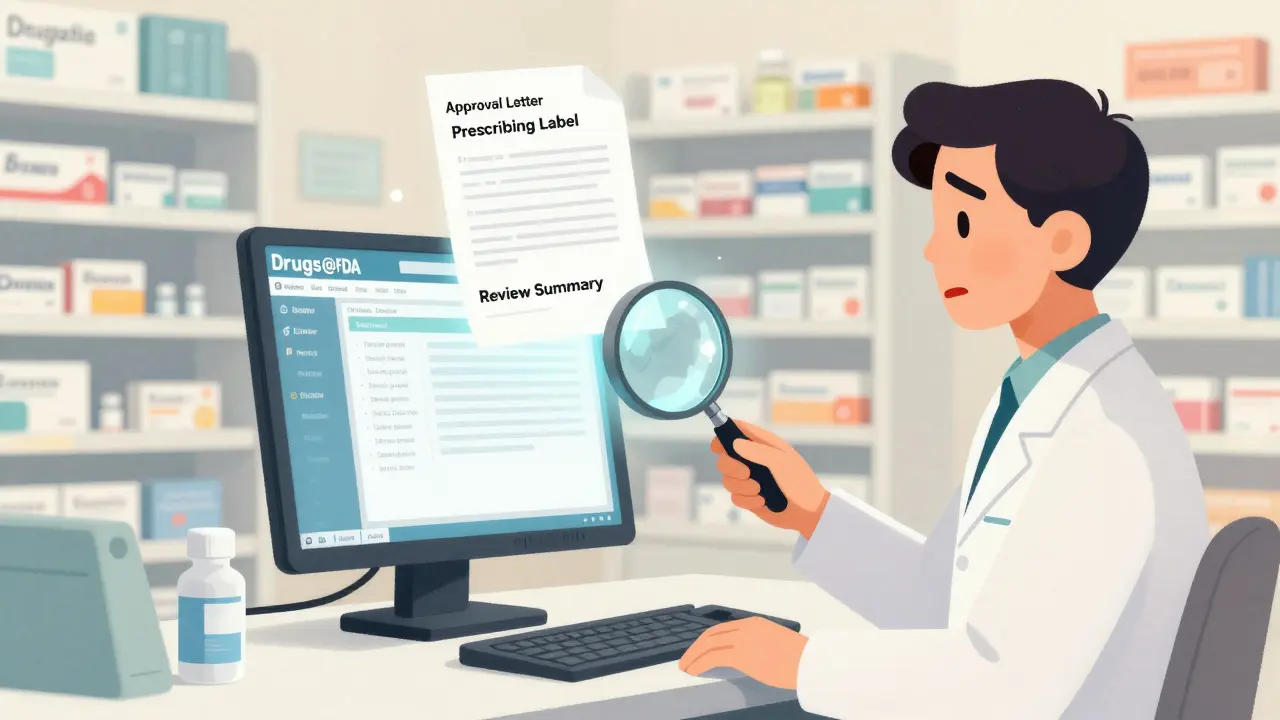
When you need to know if a drug is truly approved by the U.S. Food and Drug Administration, when it was approved, or what the official prescribing information says, there’s one place that matters more than any other: Drugs@FDA. This isn’t a third-party site or a summary. It’s the FDA’s own public database - the original source of truth for every drug approved for human use in the United States since 1939. Whether you’re a pharmacist checking a patient’s medication, a researcher compiling data, or a patient trying to understand your prescription, knowing how to use this tool saves time, avoids misinformation, and gives you confidence in what you’re seeing.
What Exactly Is Drugs@FDA?
Drugs@FDA is a free, web-based database maintained directly by the FDA. It contains regulatory documents for nearly all human drugs approved in the U.S., including prescription medications, over-the-counter drugs, and biologics. Unlike other resources that only show labels or patent info, Drugs@FDA gives you the full picture: approval letters, review summaries from FDA scientists, patient information guides, and the official prescribing label - all as originally submitted to and reviewed by the agency.
The database covers about 20,000 approved drug products. For drugs approved since 1998, you get complete documentation. For older drugs, you’ll still find key details like approval date and active ingredients, though some supporting documents may not be available. The system updates daily, so if a new drug gets approved today, it’ll appear in the database tomorrow.
How to Search Drugs@FDA: The Right Way
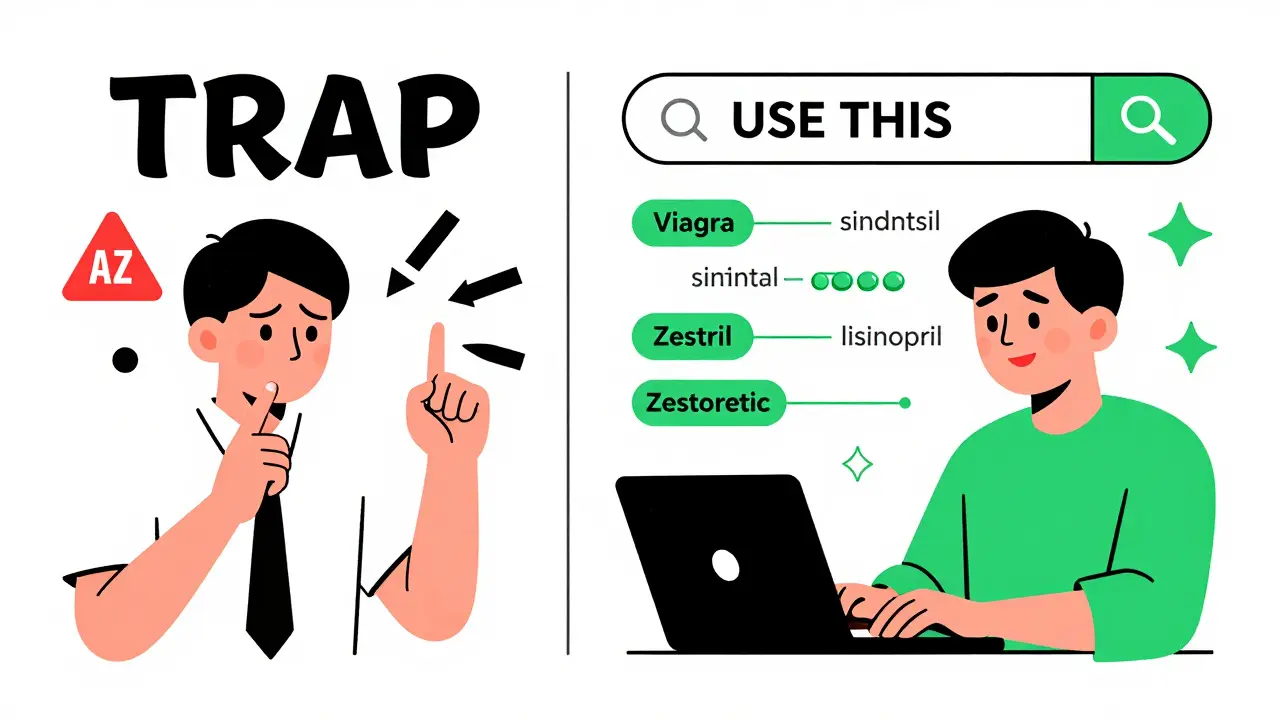
Many people make the mistake of using the A-Z drug name index on the homepage. That’s the big red flag. If you search for lisinopril there, you won’t see Prinivil, Zestril, or Zestoretic - even though they all contain lisinopril. The A-Z index only lists the generic name, not brand names or combination products. It’s misleading and unreliable.
Instead, use the main search box on the homepage. Type in what you know:
- Drug name: Either the brand name (like Viagra) or the generic name (like sildenafil)
- Active ingredient: If you’re unsure of the brand, type the ingredient (e.g., metformin)
- Application number: If you have it - NDA for brand drugs, ANDA for generics, BLA for biologics
Results appear instantly. Each match shows the drug’s name, manufacturer, approval date, and a list of available documents. Click any document to view or download it. You’ll see things like:
- Labeling: Full prescribing information - dosage, warnings, side effects
- Review documents: What FDA medical officers said about the drug’s safety and effectiveness
- Approval letters: Official FDA decisions
- Patient Medication Guides: Plain-language instructions given to patients
Why the A-Z Search Fails - And What to Do Instead
The A-Z index is a trap. It was designed for browsing, not searching. It doesn’t link brand names to their generics. It ignores combination products. If you’re looking for Humira, and you type adalimumab into the A-Z search, you’ll get nothing. But if you type Humira into the main search box, you’ll get the full record - including the generic name, approval date (2002), and all associated documents.
Here’s a real example: Zestoretic contains two active ingredients - lisinopril and hydrochlorothiazide. If you search the A-Z index for lisinopril, Zestoretic won’t show up. But if you search for Zestoretic directly, it appears with all its approval documents. The same goes for Simvastatin - you’ll find Zocor only if you search by brand name, not by ingredient.
Rule of thumb: Always use the main search box. Forget the A-Z list unless you’re just browsing a list of generic names.
How Drugs@FDA Compares to Other FDA Tools
Drugs@FDA isn’t the only FDA database - but it’s the most comprehensive for general use. Here’s how it stacks up against other tools:
| Resource | What It Covers | Best For | Limitations |
|---|---|---|---|
| Drugs@FDA | All FDA-approved human drugs since 1939 - brand and generic | Finding approval history, full labels, review documents | No detailed patent info, no section-by-section label search |
| FDALabel | Full-text searchable drug labels (over 150,000 documents) | Searching for specific sections like "Boxed Warning" or "Adverse Reactions" | Doesn’t show approval letters or review summaries |
| Electronic Orange Book | Therapeutic equivalence, patents, exclusivity for generics | Determining if a generic is interchangeable with a brand | Only for generics; doesn’t cover brand drugs or biologics |
| Purple Book | FDA-licensed biological products (like insulin, vaccines, monoclonal antibodies) | Finding biosimilars and reference biologics | Only for biologics - no small molecule drugs |
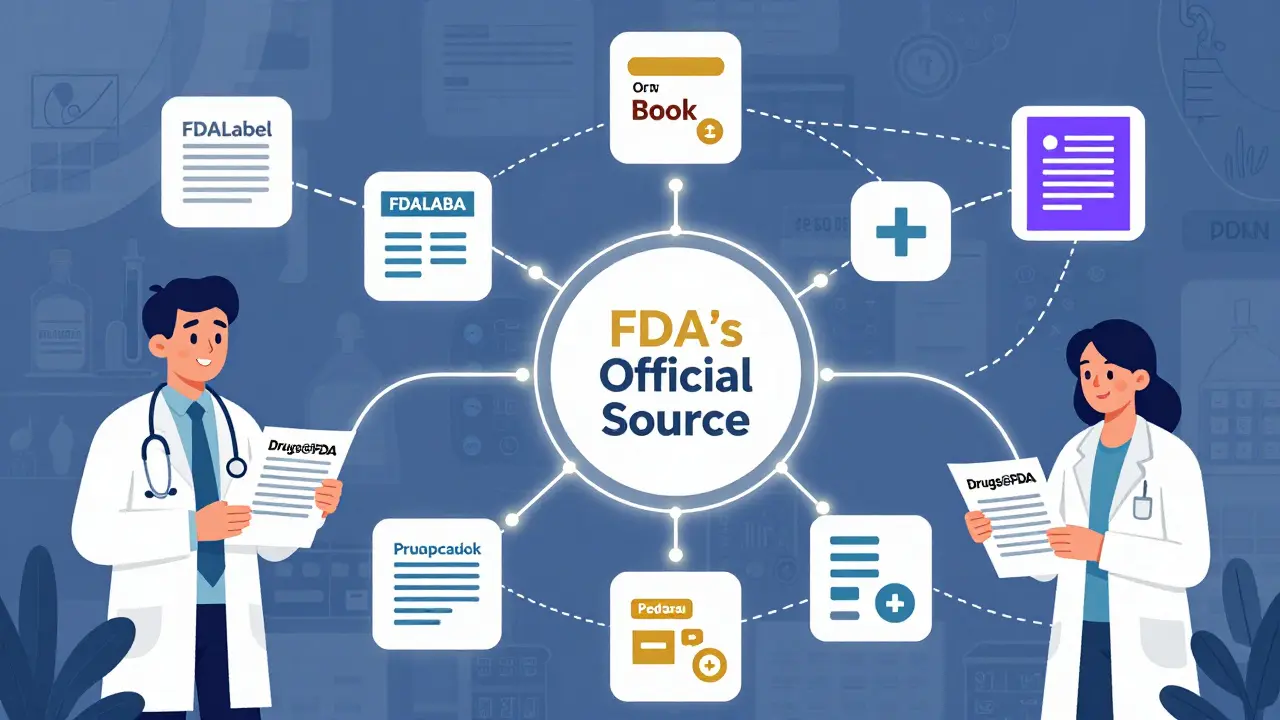
Think of Drugs@FDA as your starting point. If you need to know if a drug is approved and what the FDA officially said about it, this is where you go first. If you need to find out if a generic is interchangeable with a brand, then switch to the Orange Book. If you’re looking for the exact wording of a warning in the label, use FDALabel.
Who Uses This Database - And Why
Pharmacists use Drugs@FDA daily to answer patient questions without calling the FDA. A patient might ask, "When was my new blood pressure pill approved?" or "Is this generic the same as the brand?" With Drugs@FDA, they get the answer in seconds.
Researchers rely on it for systematic reviews. If you’re studying how long it takes for a drug to go from approval to generic availability, Drugs@FDA gives you the exact dates. Pharmaceutical companies use it to check competitors’ approval timelines. Even patients use it to verify that their medication is legitimate - especially when buying online.
The FDA estimates 500,000 people use this database every month. It’s not a niche tool - it’s essential infrastructure for the U.S. healthcare system.
Common Mistakes and How to Avoid Them
- Mistake: Searching only by generic name when the drug is brand-only. Fix: Always try the brand name first.
- Mistake: Assuming the A-Z index shows all versions of a drug. Fix: Use the main search box - it’s smarter.
- Mistake: Not checking the approval date. Fix: Older drugs may have outdated labels. Look for the most recent version.
- Mistake: Confusing Drugs@FDA with the Animal Drugs@FDA database. Fix: Animal drugs are separate. This database is only for human medications.
If you don’t see a drug you expect, double-check the spelling. Try variations - "ibuprofen" vs. "Ibuprofen" - but case doesn’t matter. If it’s still missing, it may not be approved for human use. Or it could be a new drug that hasn’t been added yet - the database updates daily, but sometimes takes 24-48 hours.
Next Steps: What to Do After You Find What You Need
Once you find the drug record, download or print the documents you need. The FDA provides PDFs of labels, approval letters, and review summaries. You can cite these as official sources - they’re the real thing, not summaries.
If you’re a healthcare professional, bookmark the site. Add it to your workflow. If you’re a patient, print the patient medication guide and bring it to your next appointment. If you’re a researcher, save the search results - they’re stable and permanent.
And remember: If you need deeper details - like patent expiration dates or exact wording of a boxed warning - don’t stop here. Use Drugs@FDA to confirm approval, then cross-check with FDALabel or the Orange Book for the rest.
Can I search Drugs@FDA by manufacturer?
No, Drugs@FDA doesn’t have a direct manufacturer search. But if you know the company name, you can find it by searching the drug name - the manufacturer will be listed in the results. For example, searching "Lipitor" shows Pfizer as the applicant. You can also browse the approval documents - they often include company names.
Does Drugs@FDA include over-the-counter (OTC) drugs?
Yes. All OTC drugs approved by the FDA are included - whether they require a monograph or went through a full NDA process. You can search for common OTC drugs like "ibuprofen", "loratadine", or brand names like "Claritin" or "Advil".
Why can’t I find my drug in Drugs@FDA?
There are a few reasons. First, it might be an animal drug - those are in a separate database. Second, it might be a new drug that hasn’t been added yet - updates take up to 48 hours. Third, you might be using the A-Z index instead of the main search box. Try the main search with both brand and generic names. If it still doesn’t appear, the drug may not be FDA-approved - or it could be a compounded product, which isn’t regulated the same way.
Is Drugs@FDA the same as DailyMed?
No. DailyMed provides the same label text as Drugs@FDA, but without the approval history or review documents. Drugs@FDA tells you when and why the drug was approved. DailyMed just shows the current label. For regulatory context, Drugs@FDA is the source.
Do I need to register or pay to use Drugs@FDA?
No. Drugs@FDA is completely free, requires no registration, and works on any browser. There are no subscriptions, paywalls, or login requirements. It’s public information, and the FDA makes it accessible to everyone.
Final Tip: Always Cross-Check
Drugs@FDA is powerful, but it’s not perfect. If you’re making a clinical, legal, or research decision, always verify critical details with at least one other source. Use FDALabel to confirm label wording. Check the Orange Book for generic equivalence. Look at the Purple Book for biologics. Each tool has a role. But for the full story - the approval history, the FDA’s own review, the official documents - Drugs@FDA is where you start. And if you learn how to use it right, you’ll never have to guess again.